Qunhe Technology · Established in 2003
The website is maintained by someone,
Running your business is easier.
Corporate email, day-to-day design, and standalone websites,
A team familiar with the business will provide ongoing follow-up.
Daily Business Services
Maintenance
Updates, backups, troubleshooting, and routine inspections ensure that the website is continuously monitored.
Setup, renewal, and configuration for computers and mobile devices; someone will follow up if you encounter any issues with sending or receiving emails.
Design
Posters, PowerPoint presentations, brochures, and large-format prints—we can accommodate small-batch orders based on your needs.
Need a new website, too?Learn about building and maintaining an independent website →
Featured Cases
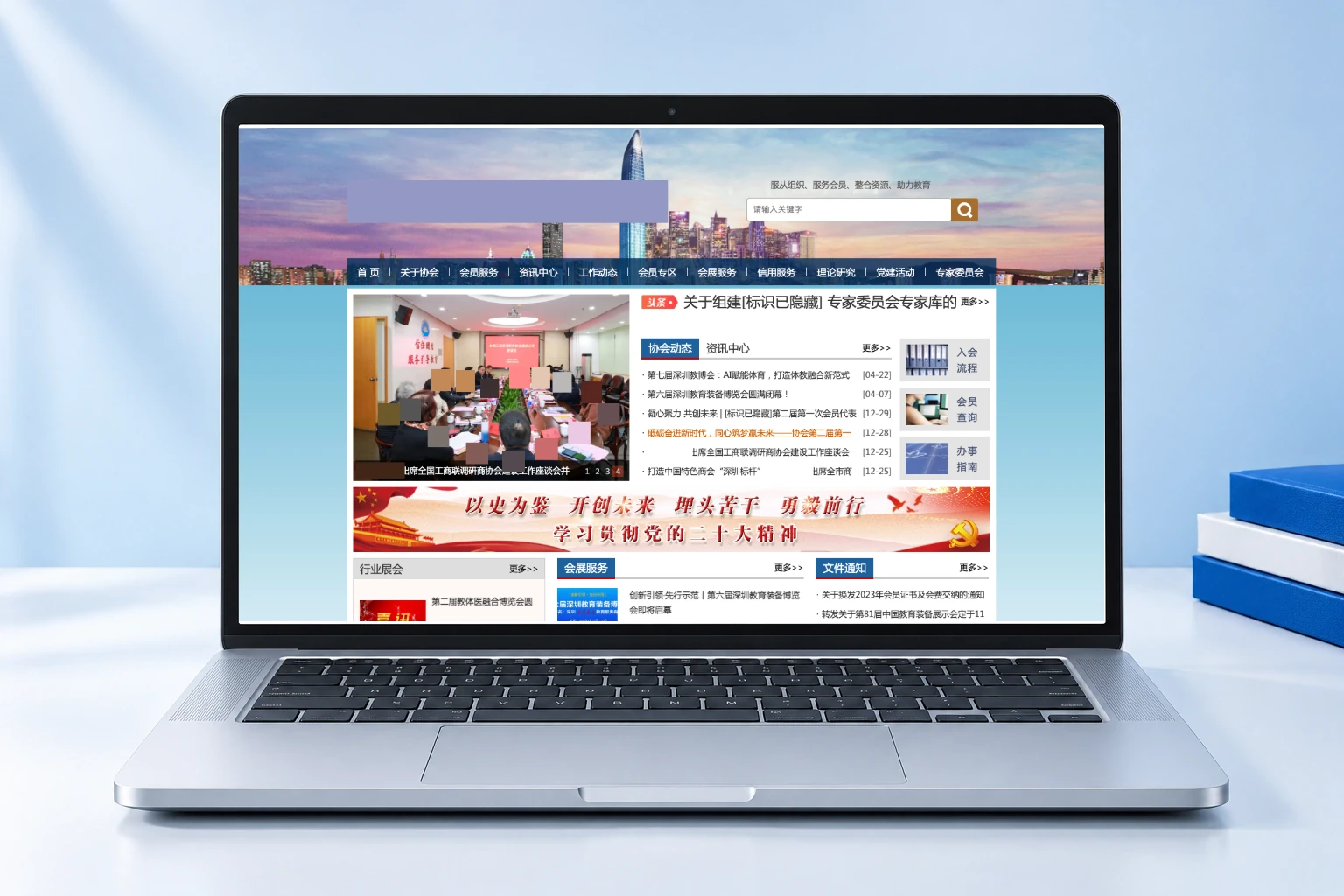
Case Study Page Organization, Mobile Home Screen, and Access Optimization
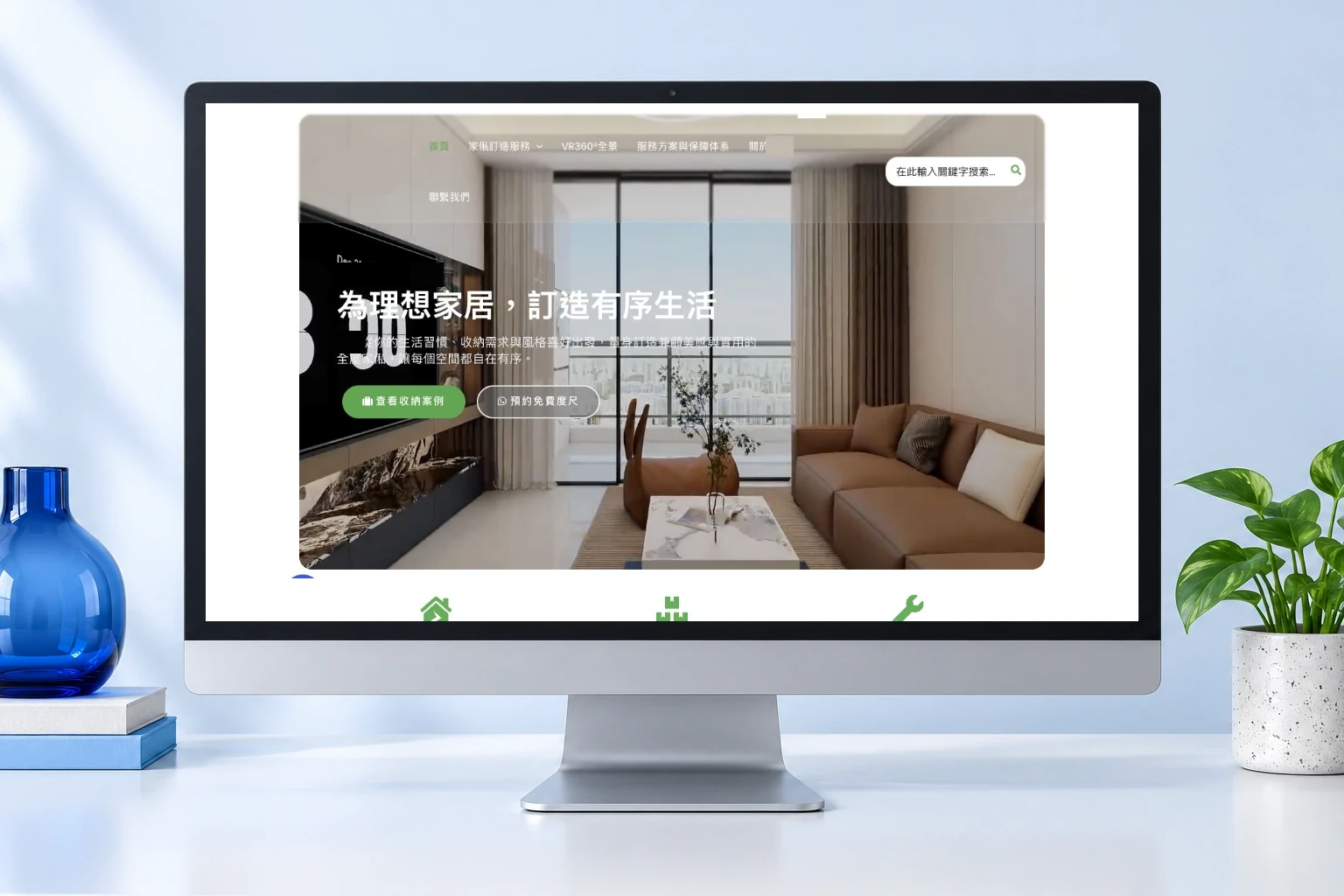
Service Processes, Content Overview, and Consultation Portal
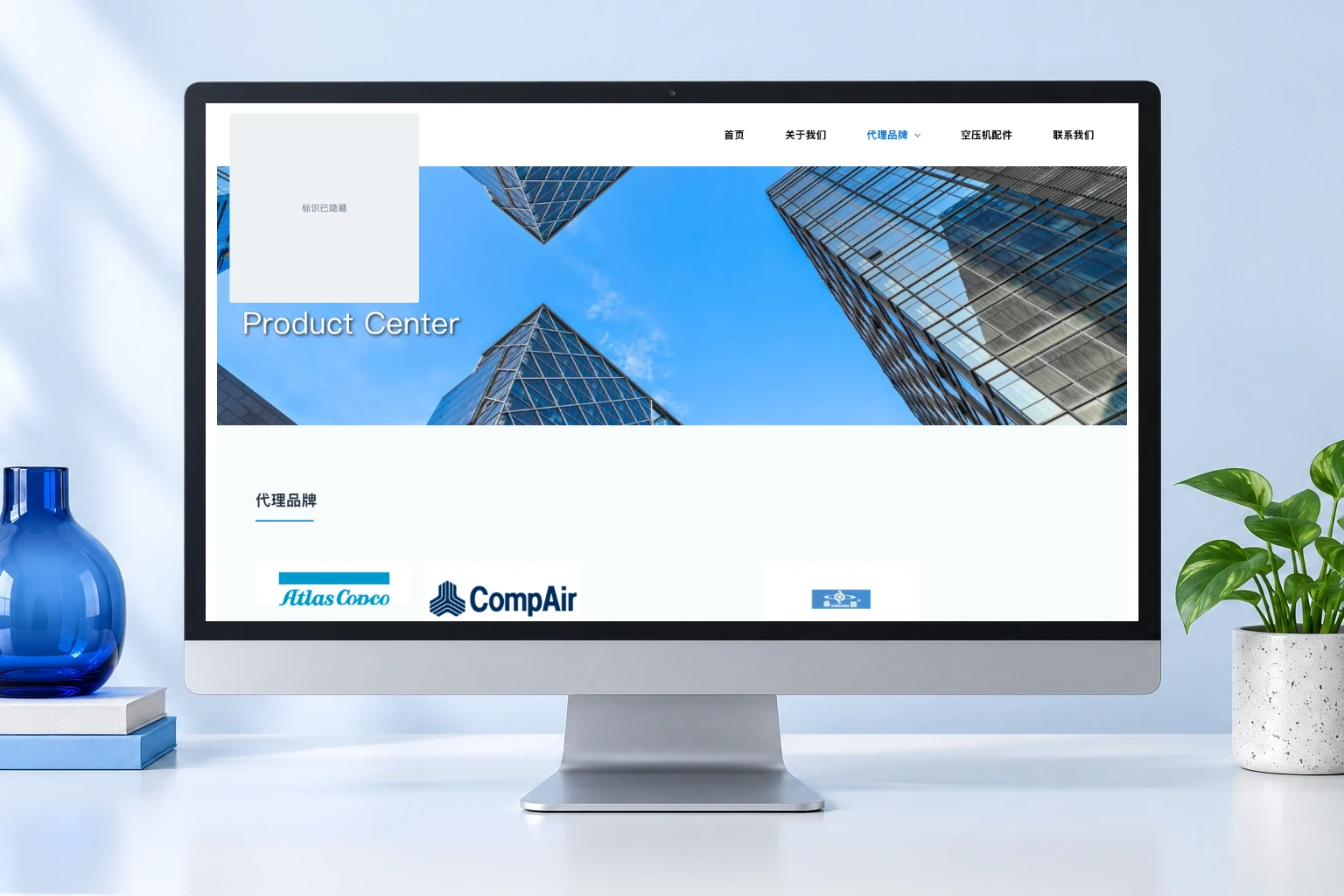
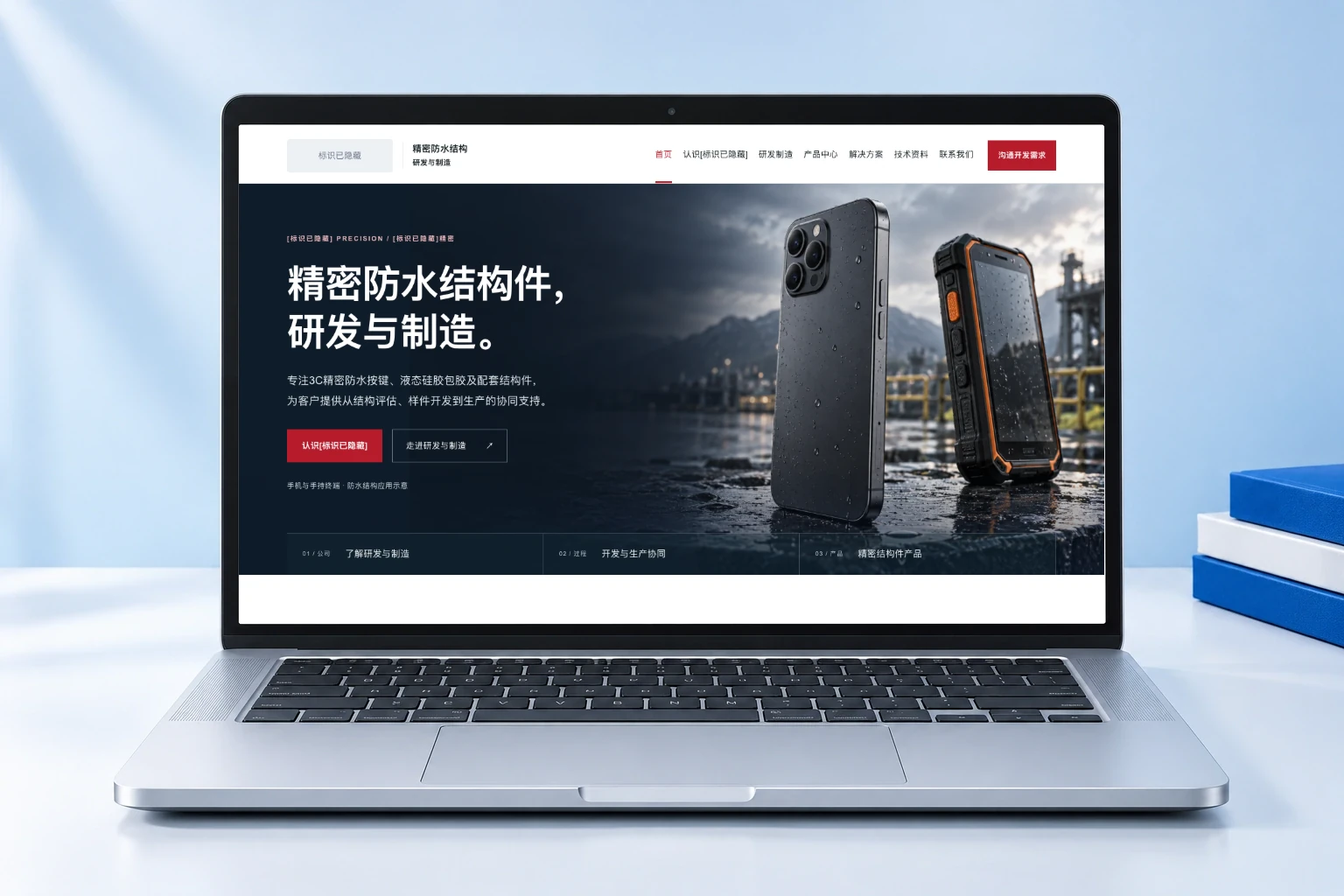
Product Categories, Brand Links, and Specification Table Maintenance
Transfer of Domain Names, Software, and Server Data
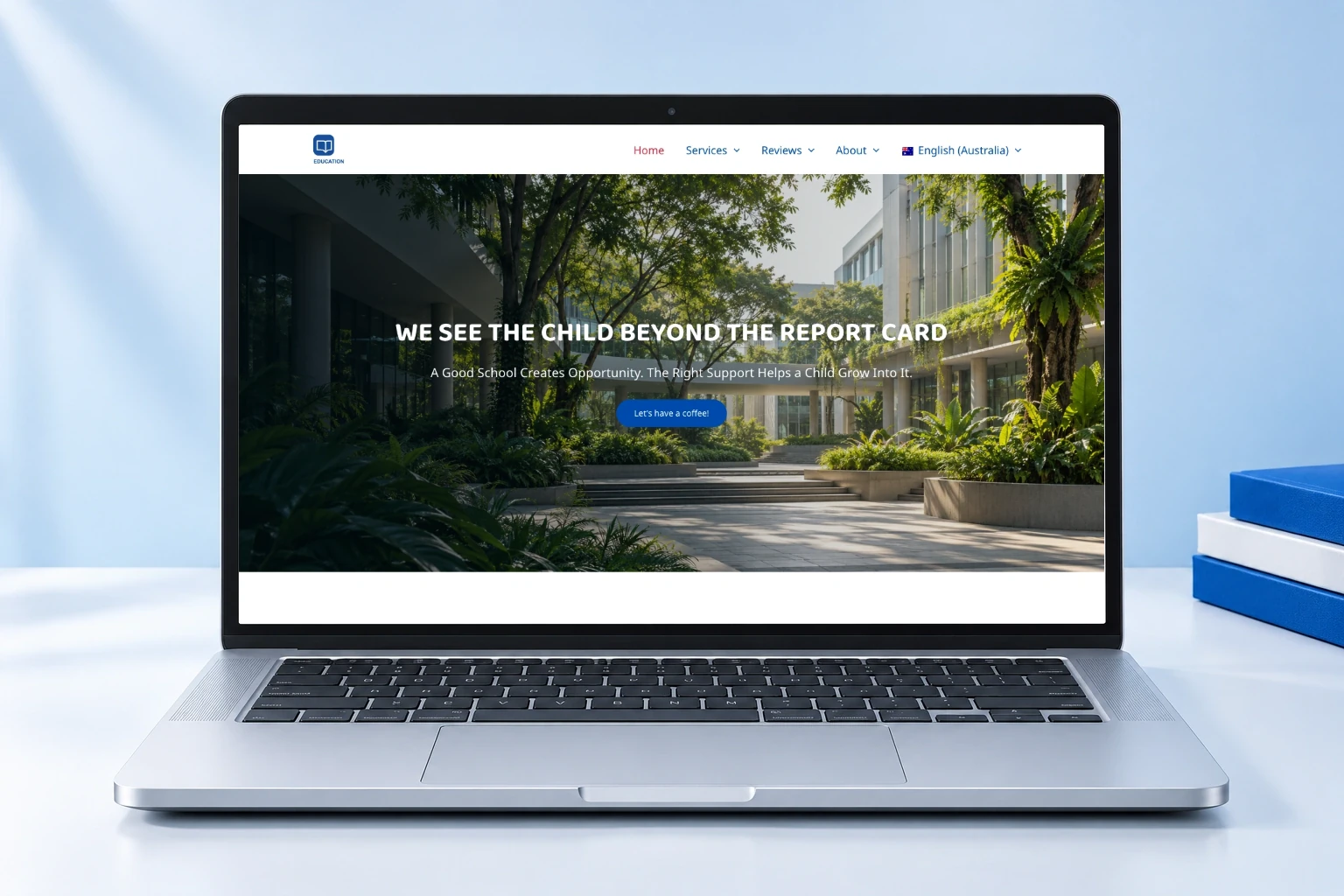
Reviewing English Topic Selections, Content with Multiple Images, and Publishing
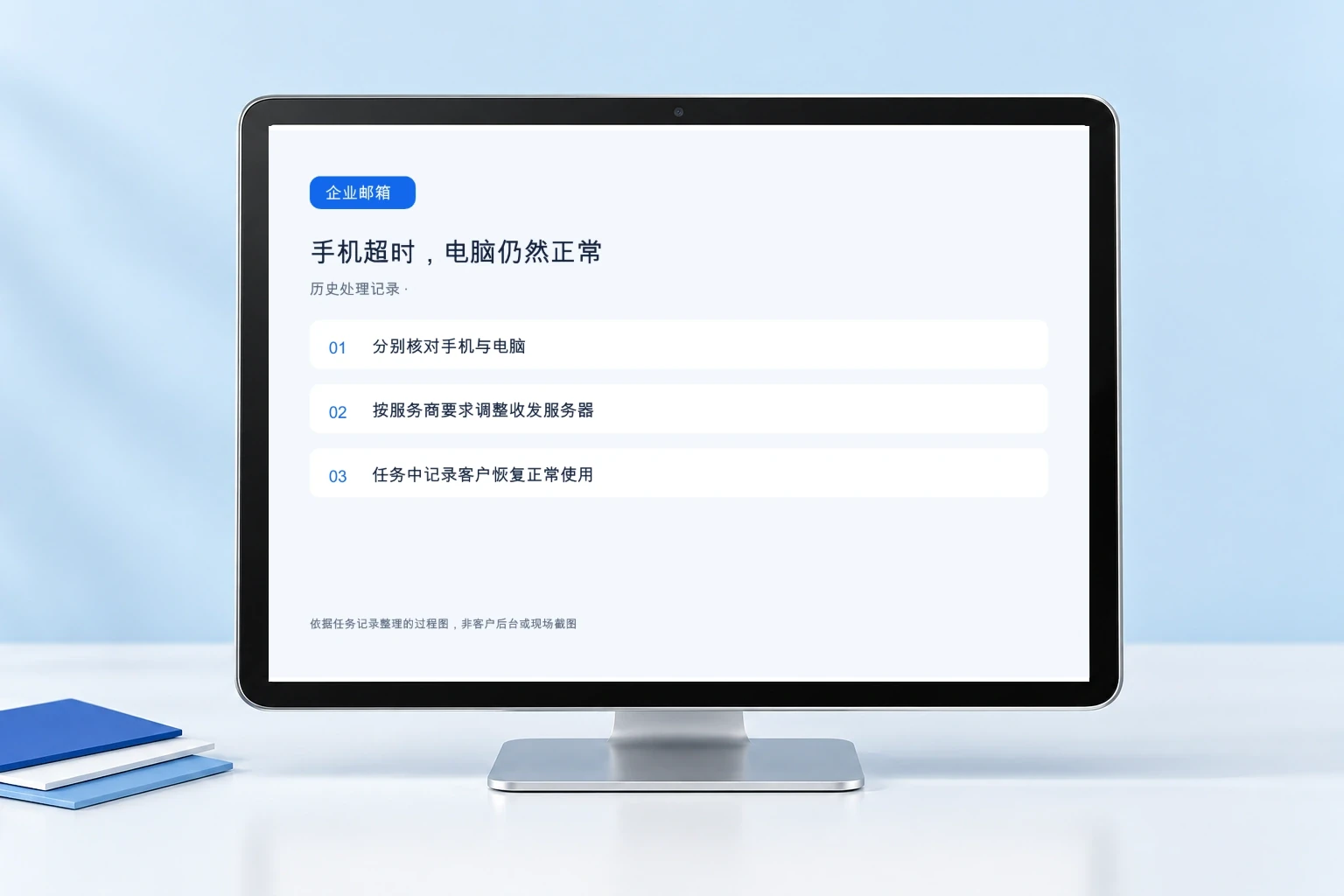
Distinguish Between Device Settings and Troubleshoot Mobile Connection Timeouts
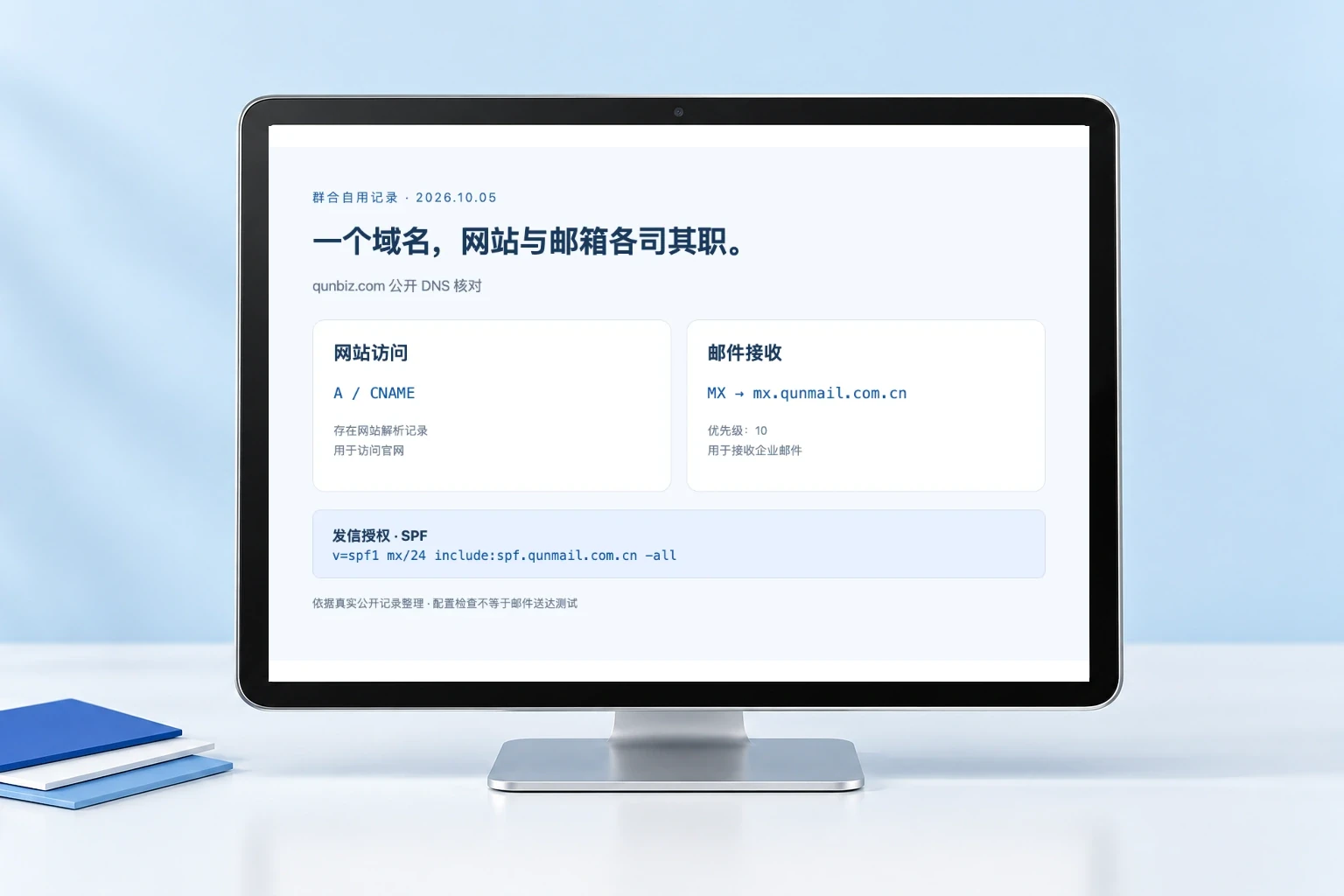
Verify website DNS settings and permissions for receiving and sending emails
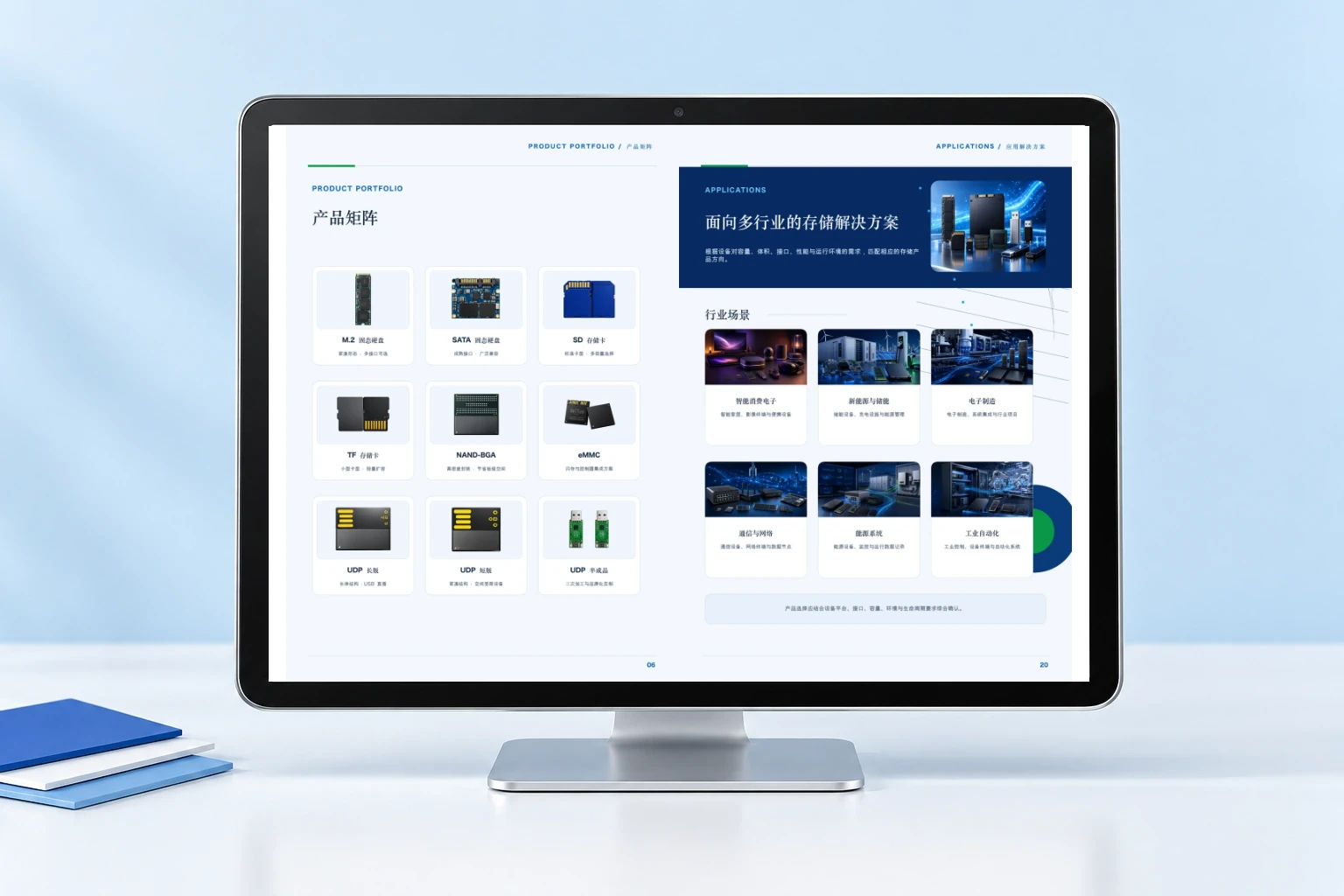
Table of Contents, Products, and Applications Layout for a 24-Page Brochure
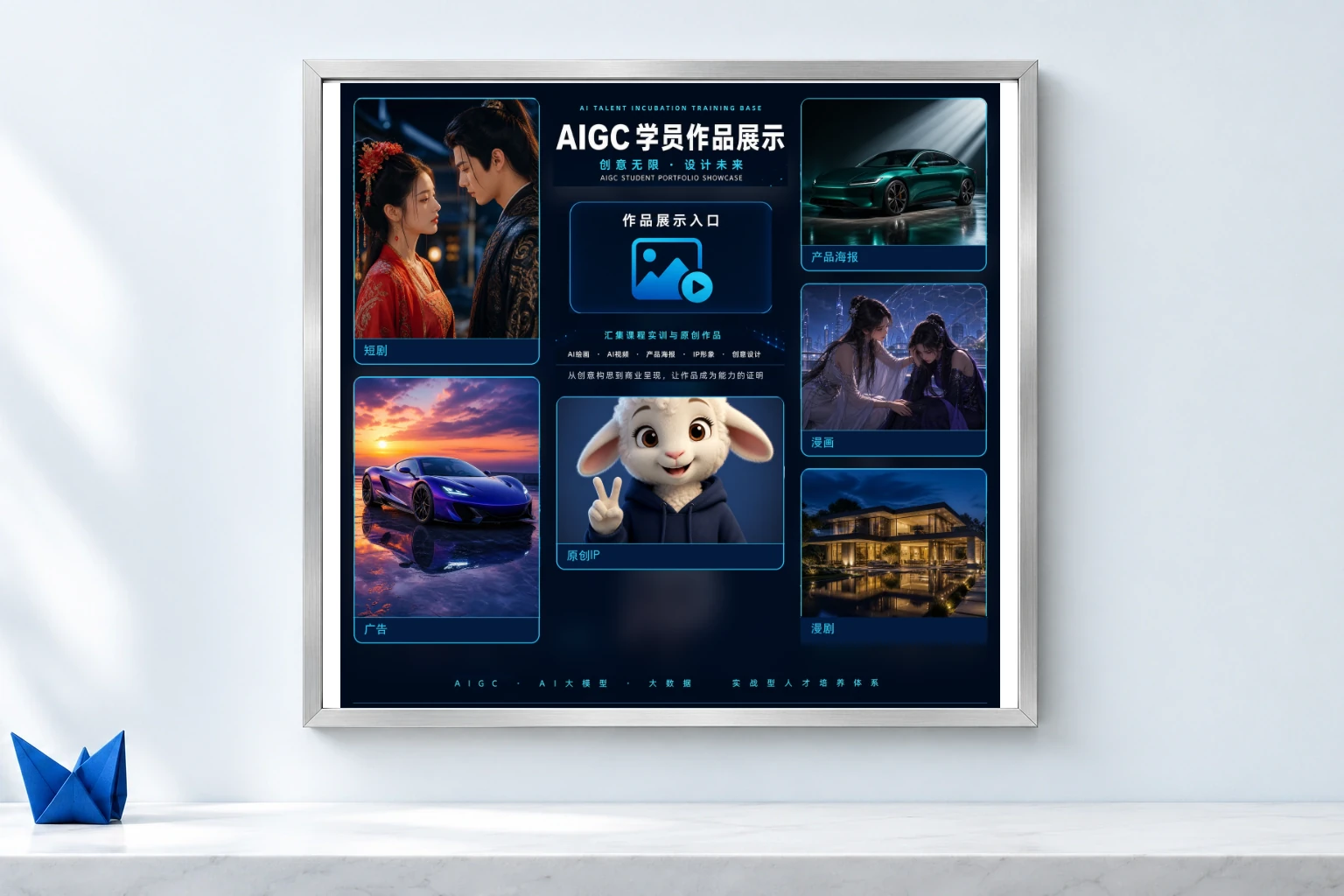
Grouping Works, Image Borders, and the Final Draft
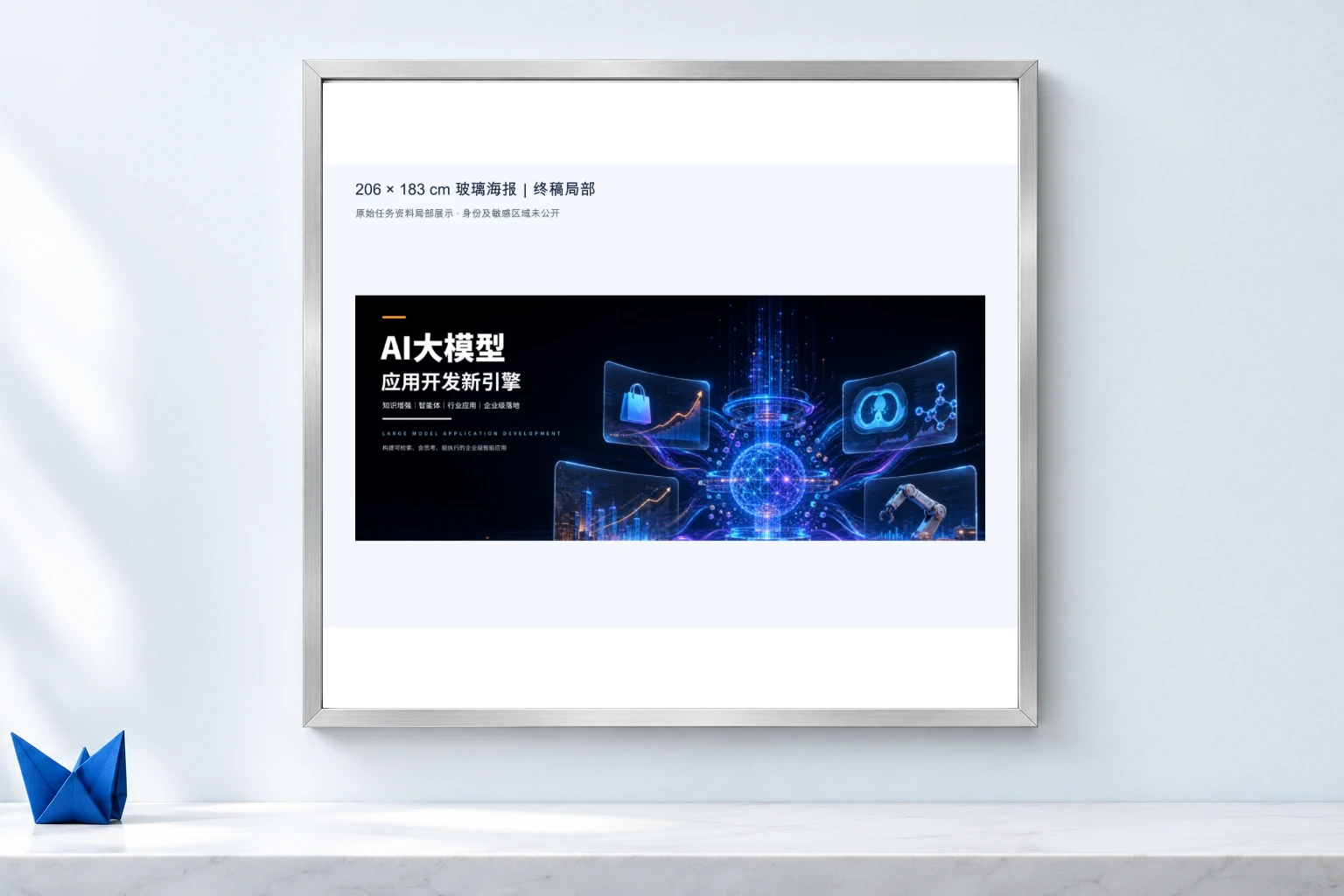
Layout and Print Files for Glass Posters
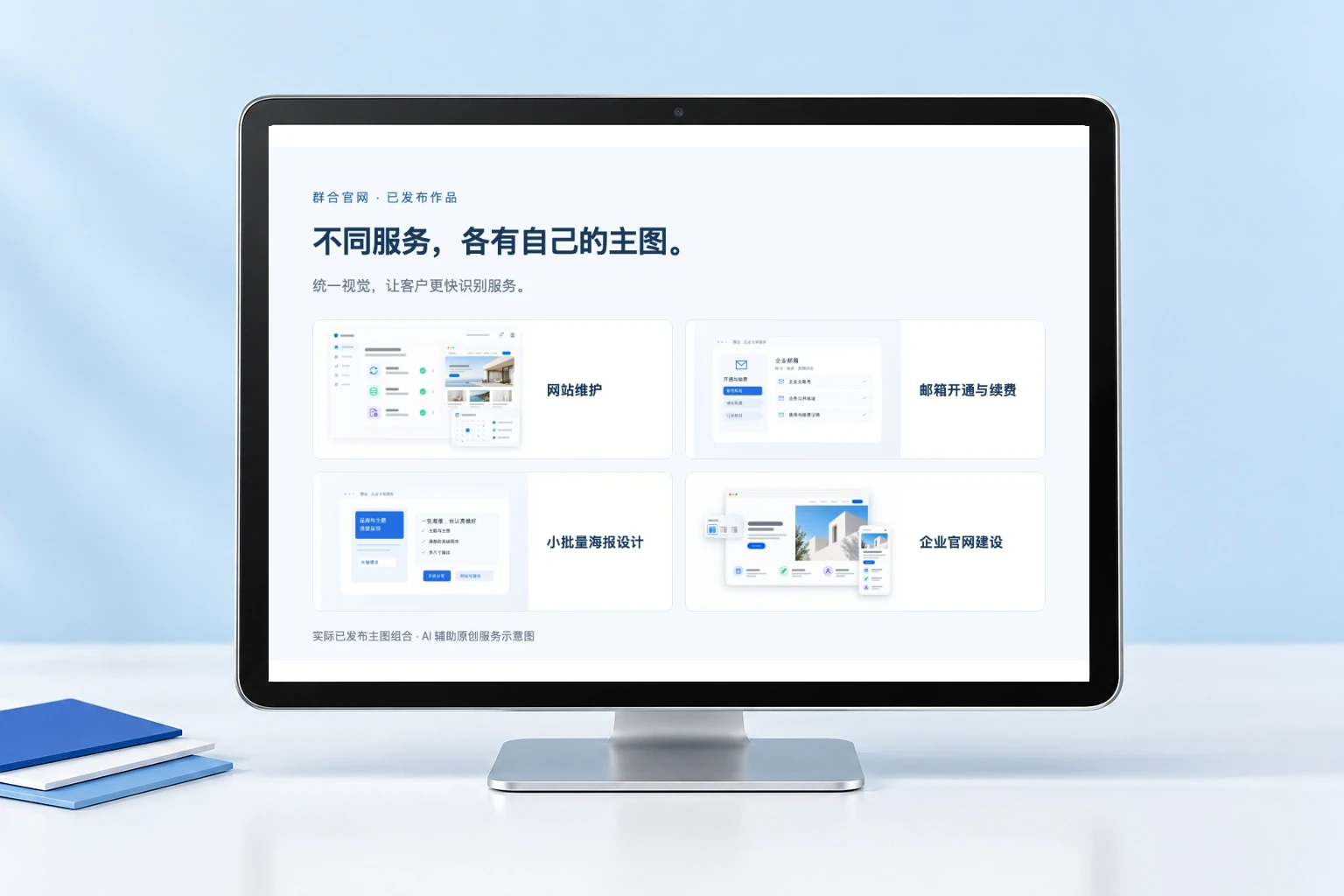
Differentiate Service Focus, Unify Product Visual Identity
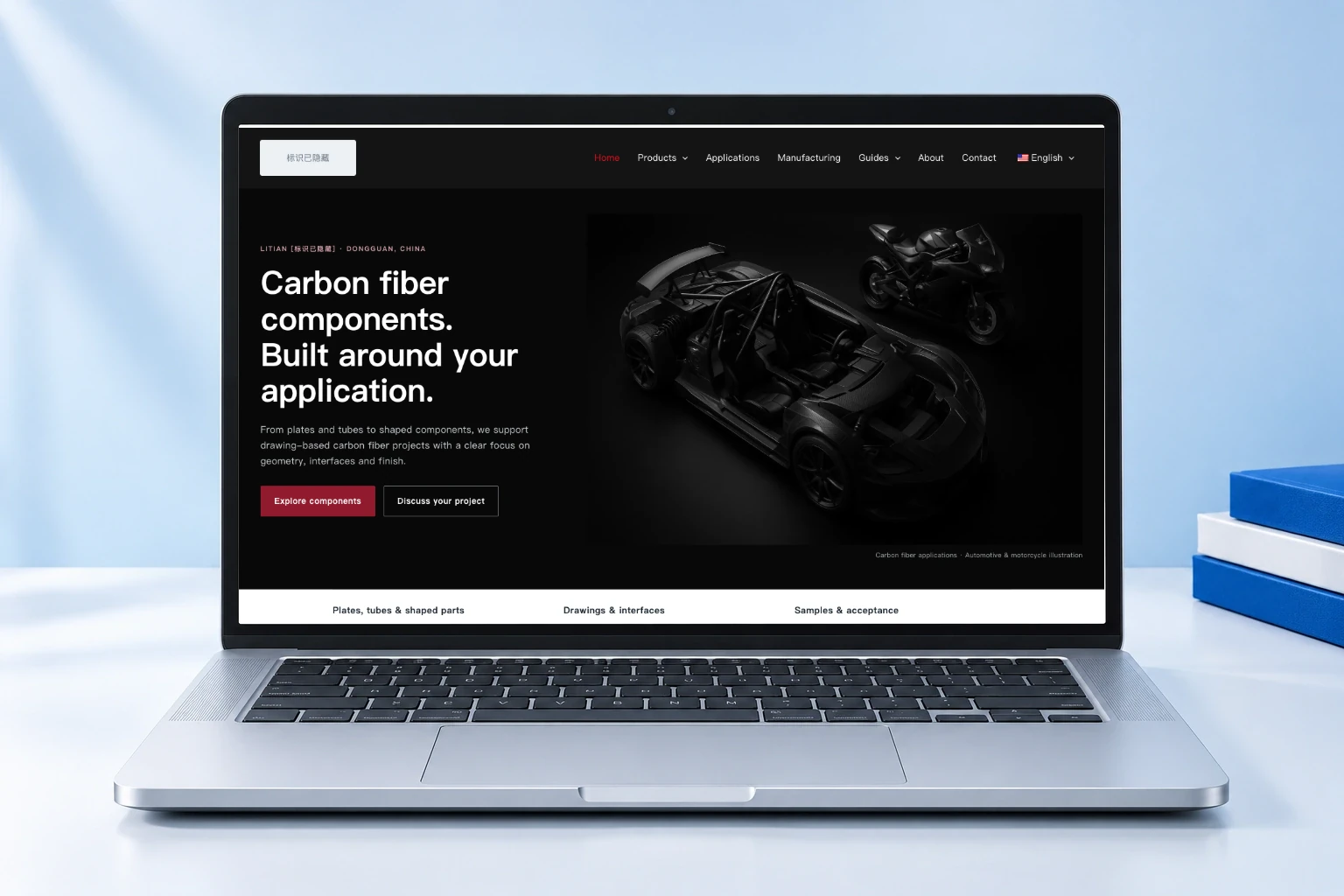
Redesign of the Home Page and Product and Application Pages
Actual project web pages, design mockups, and work logs; the equipment and settings shown are for illustrative purposes only, and relevant information has been redacted.
Practical Articles
Start with everyday problems to identify actionable troubleshooting methods and a checklist.
Verify the backup scope, file integrity, and critical functionality after restoration.
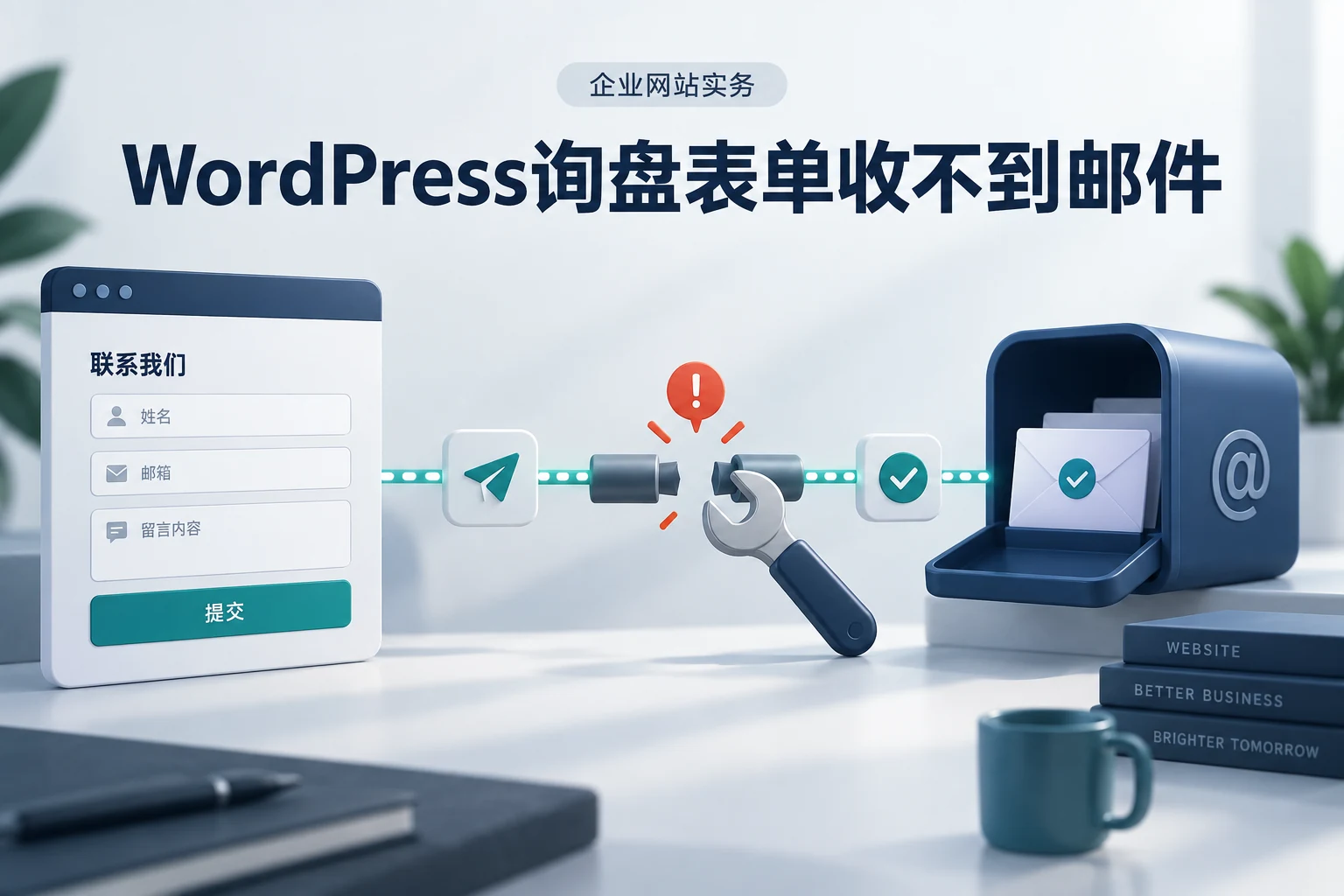
Troubleshoot step by step, starting with "Submit," "Save," "Send," and "Receive."
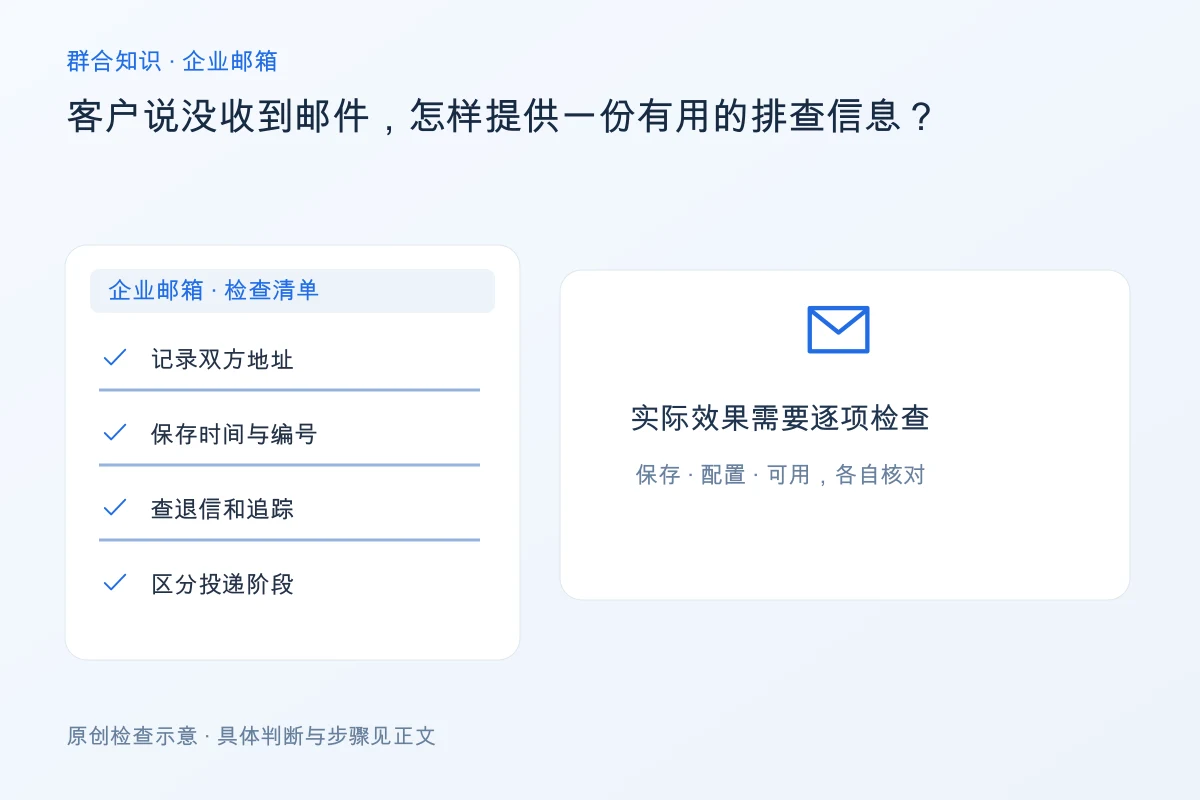
Organize returned emails, timestamps, and email identifiers to provide a solid basis for troubleshooting.
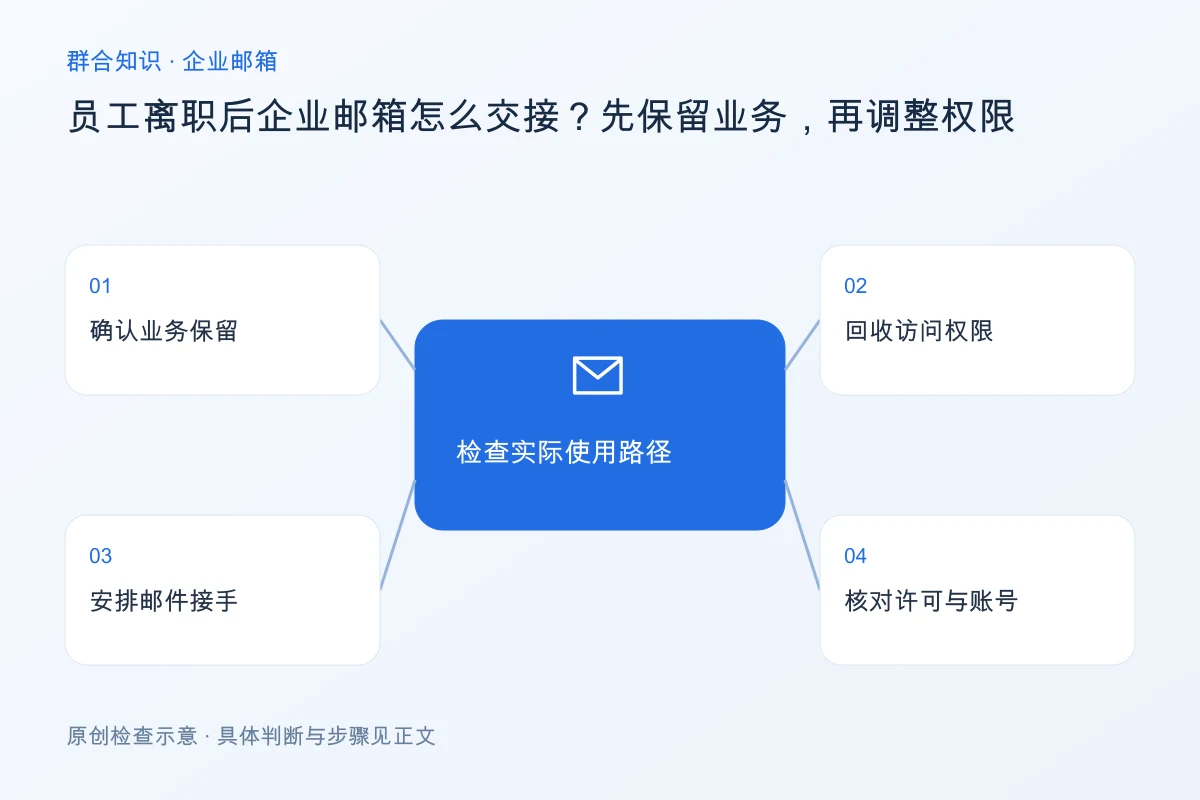
First, save the business data, then verify permissions and arrangements for forwarding and handover.
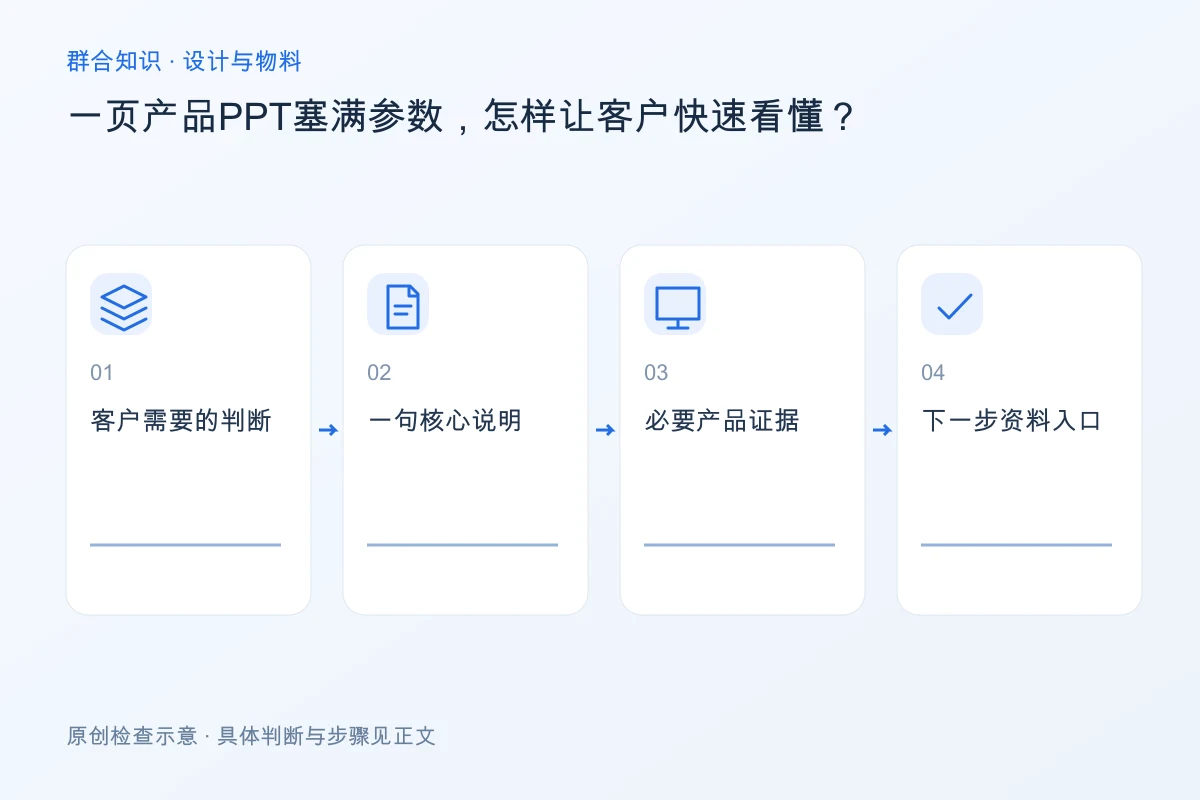
Focus on the key points customers need to make an informed decision, and place the detailed specifications in the appropriate sections.
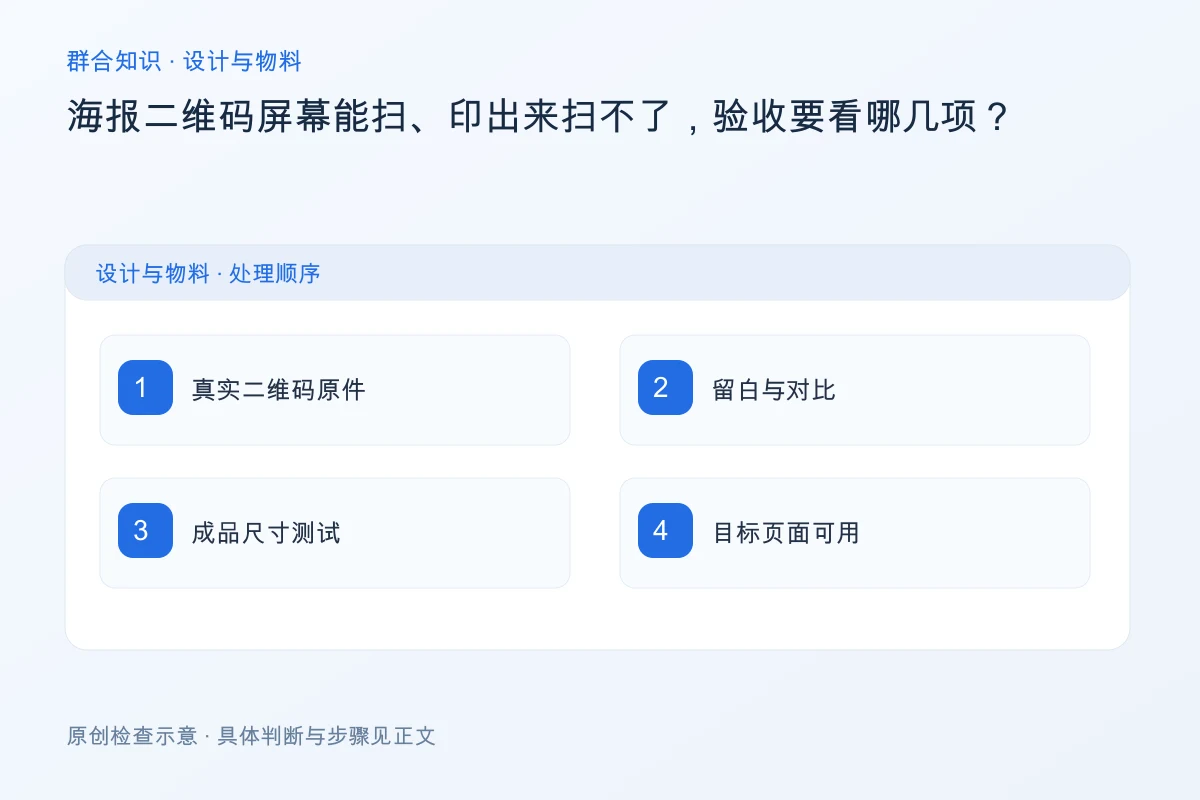
Check the verification code image, white space, final dimensions, and the target link.
Process the product images, decorative images, and linked images separately according to their intended use.
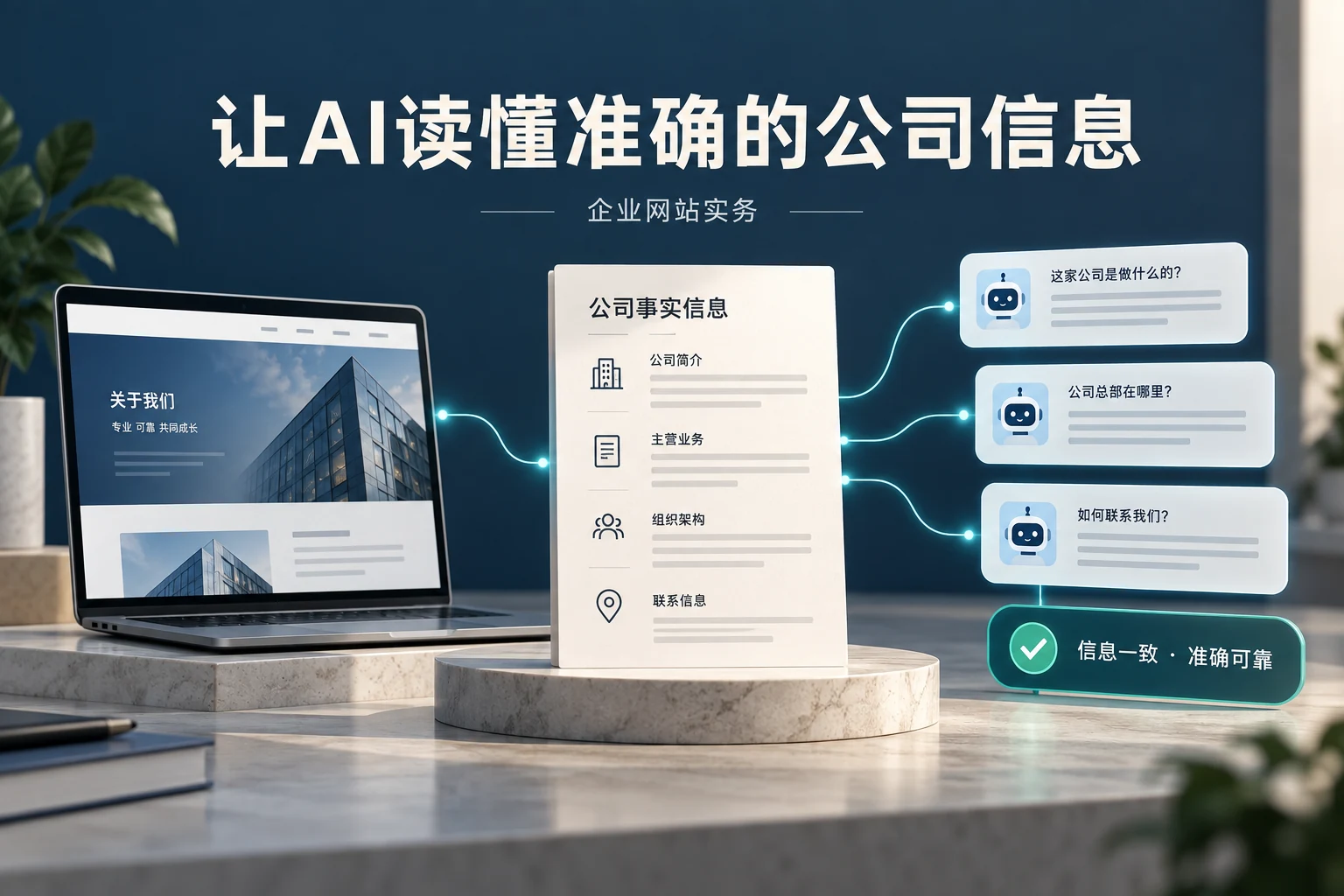
First, organize the business details, names, and contact information from the official website.
Test actual usage by browsing, making inquiries, downloading, and editing on a mobile phone.
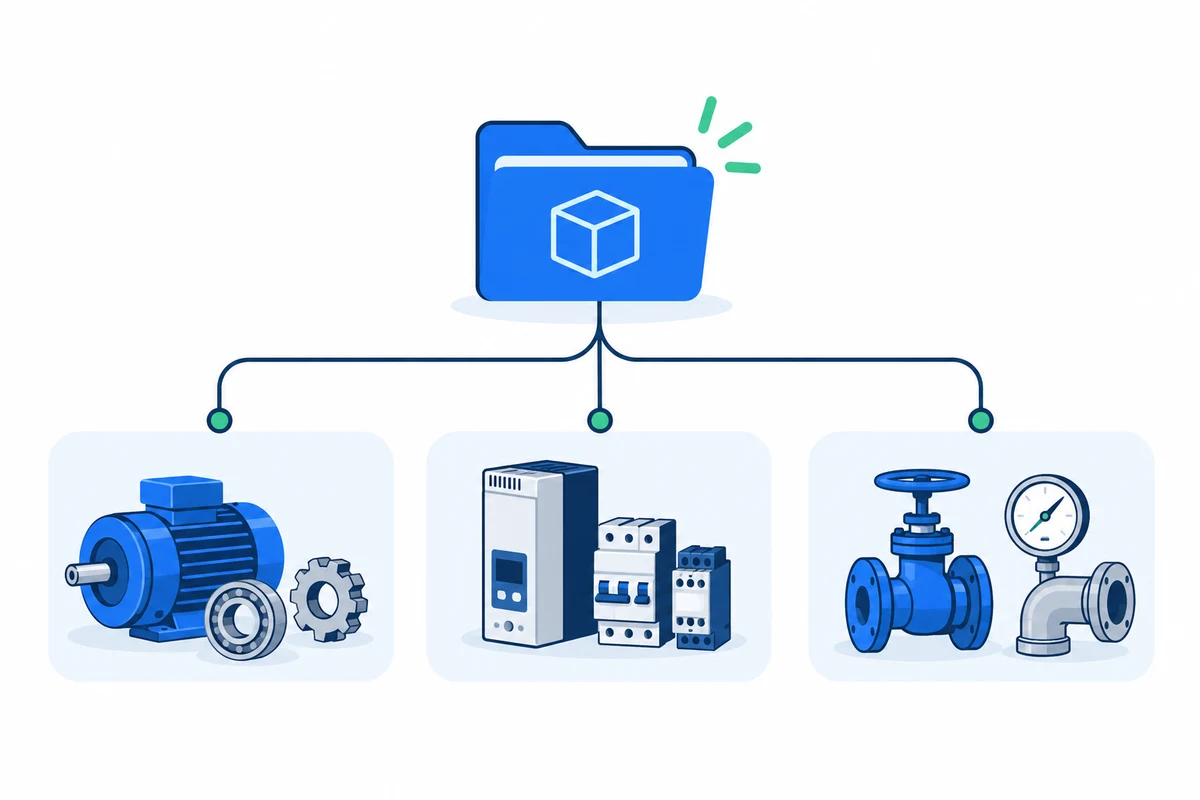
Organize materials, applications, and product types based on the buyer's search path.