Alt text should convey the purpose of the image on the current page, rather than being stuffed with SEO keywords.Product images should convey meaningful information; purely decorative images typically use empty alt text, while images that serve as links or buttons should describe their intended function. Key information in infographics should also be provided as readable text within the body of the text.
Legal Basis:W3C WAI: Decision Tree for Determining Alternative Text for Images。
First, let's ask what purpose this image serves.
The same image may serve different purposes on different pages: displaying product details, providing visual enhancement, or acting as a call-to-action button. First, assess the context, then write the alt text. Do not automatically string together the image filename, article title, and a list of product keywords. Screen reader users need specific information, not a list of search terms.
Features that can be identified in product images
Describe the parts, angles, or uses relevant to the current description, and avoid making assumptions about materials, performance, or certifications that cannot be verified by the photos. For example, if only exterior photos are available, you should not state that “the internal structure is certified as waterproof.” Verify necessary details using product documentation; use concise language in the text, and include detailed specifications in the main body or in tables.
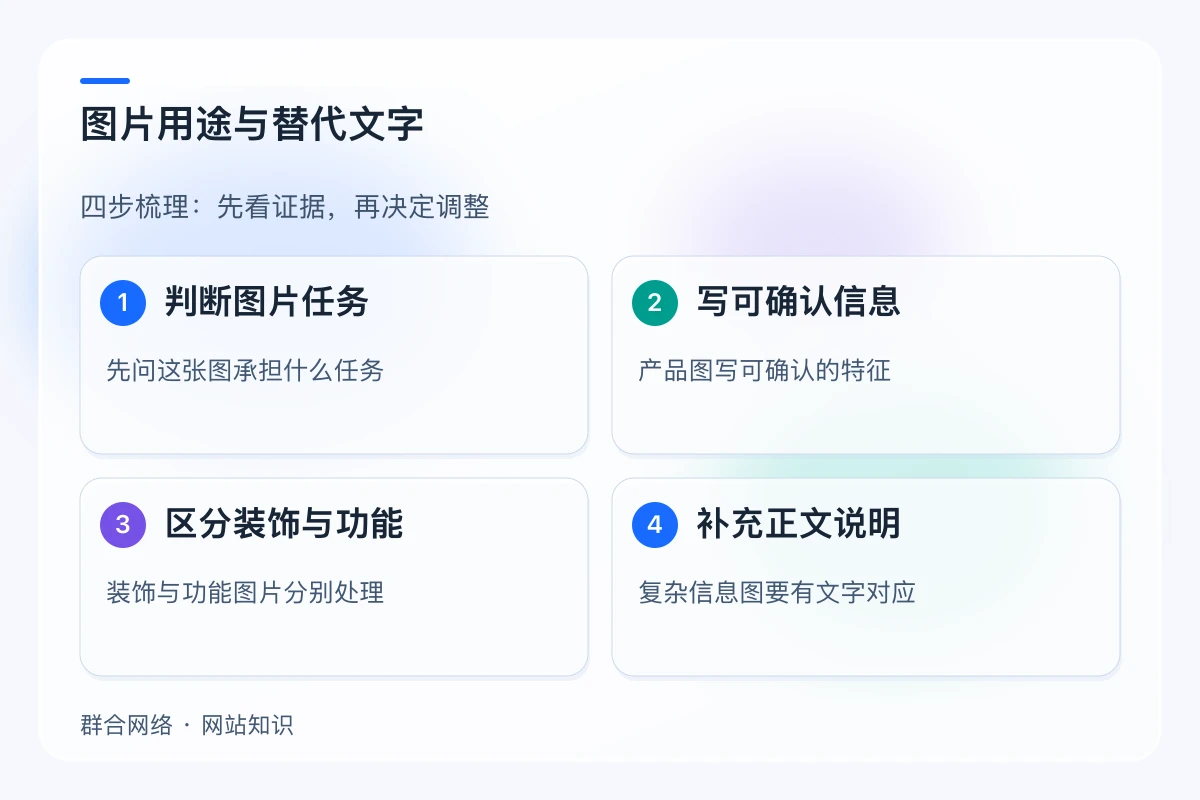
Process decorative and functional images separately
For purely decorative images that do not convey new information, leaving the alt attribute blank can prevent screen readers from repeatedly reading out meaningless content. If an image is a link, the alternative text should help users understand the destination or the action to be taken; however, if there is already sufficient link text nearby, care should be taken to avoid repetition. Omitting the alt attribute is not exactly the same as explicitly setting it to blank; therefore, it is not advisable to set the alt text for all images to the image title in bulk.
Complex infographics should include corresponding text.
Key conclusions from flowcharts, comparison charts, and other diagrams should be evident in the body text, rather than hidden within the image pixels. Use alt text to summarize the purpose, and explain the specific steps in the body text to accommodate users who cannot view the images and those using screen readers. After publication, check the attributes of publicly visible images against the actual reading order to ensure that internal production notes have not been mistakenly included in the alt text.
Key Points for Comparison
| Information Item | Verify the content | Please note |
|---|---|---|
| Informational Image | Explain the key points of the current context | Do not speculate on unverified performance |
| Decorative Images | Consider an empty alt attribute when there is no independent information | An empty alt attribute does not mean that an attribute is omitted. |
| Feature Images | Describe the purpose of the entry point or operation | Don't just describe the color and appearance |

Frequently Asked Questions
Does a longer alt tag help with SEO?
No. It should be accurate and concise; complex explanations should be included in the main text to avoid repeating keywords that might hinder understanding.
If a flowchart has an "alt" attribute, do you still need to write out the steps?
This is not the right way to handle it. Complex content still requires readable text descriptions; a brief alt text cannot replace a complete set of steps.