Support from setup through daily use
Setup and domain configuration
We review your domain, user count and needs, help set up email and DNS, and test sending and receiving.
Renewals and account changes
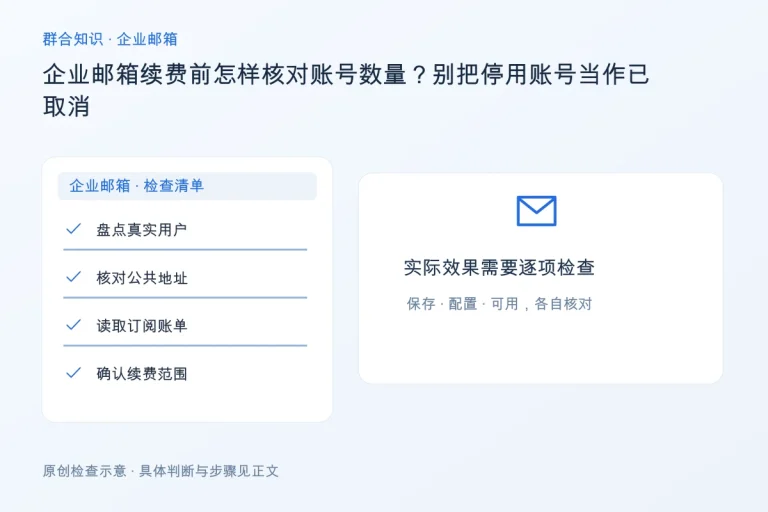
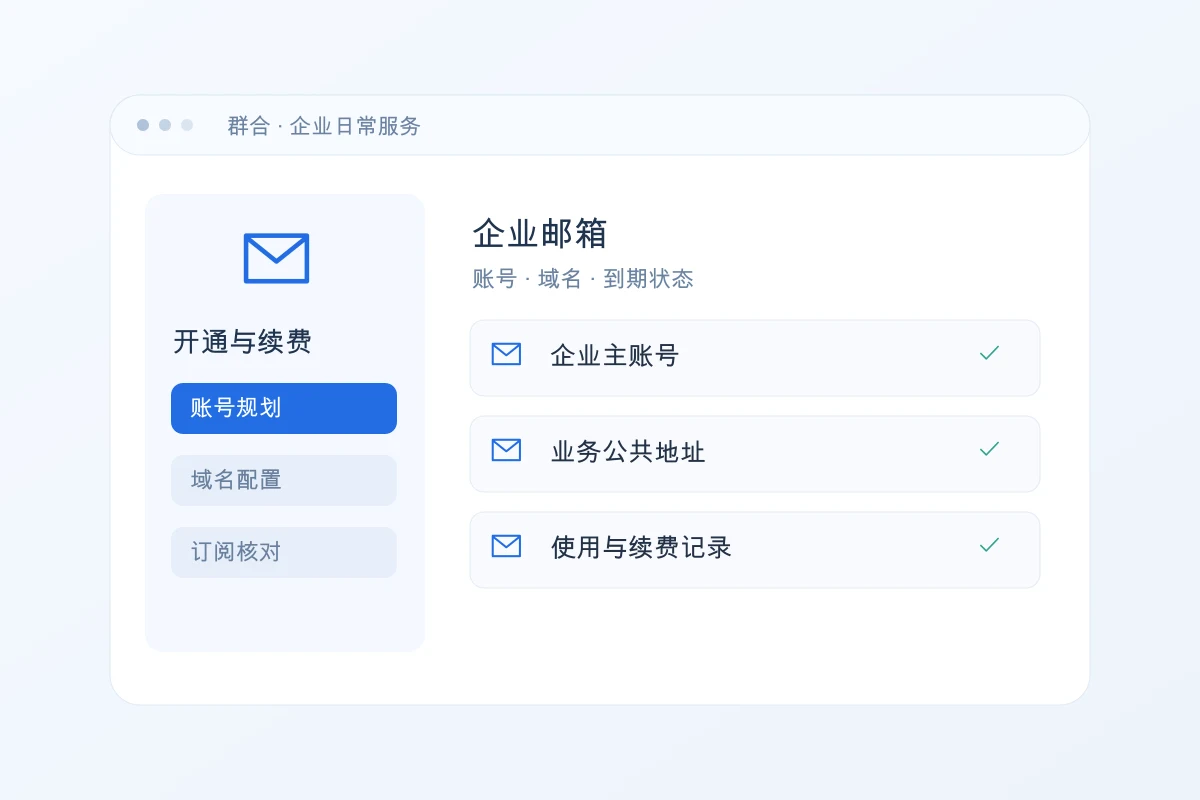
We check expiry dates, user counts and usage before assisting with renewal or changes. Fees follow the agreed scope.
Desktop and mobile setup
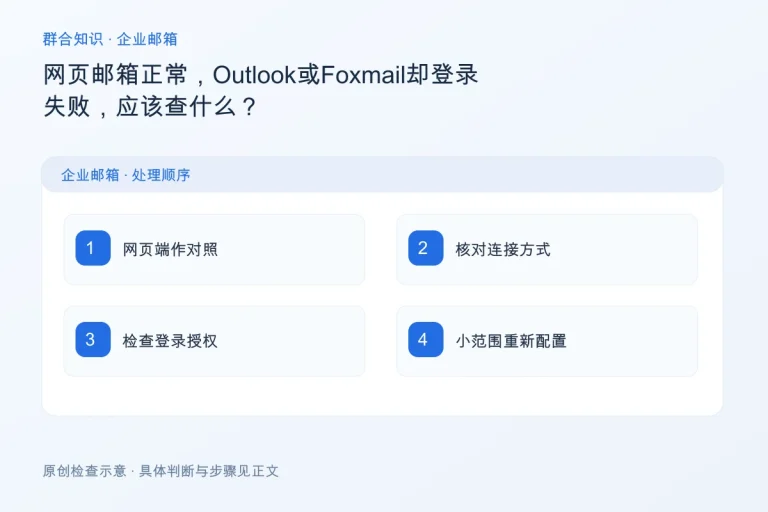
We help configure Foxmail, Outlook and mobile email, using settings appropriate to your email provider.
Sending, receiving and bounce troubleshooting
Using the time, error messages and bounce details, we check the client, capacity, account status and DNS.
Cannot send or receive? Start with the symptoms.
Being able to sign in does not prove that clients, DNS and mail delivery are all working. We investigate the actual symptoms and explain the limits and any cooperation needed from the other mail provider.
- Can receive but not send, can send but not receive, or messages bounce
- Configuration or synchronization fails after changing a computer or phone
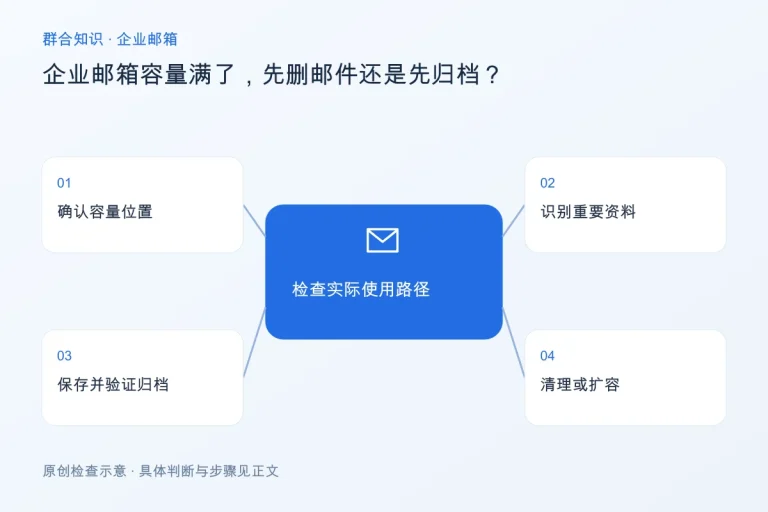
- Mailbox full, account disabled, or connection fails after a password change
- The website inquiry form succeeds but the email notification never arrives
For support, share the domain, time, software and complete error message. Do not send email passwords in public chats.
Review the current setup before renewal or migration
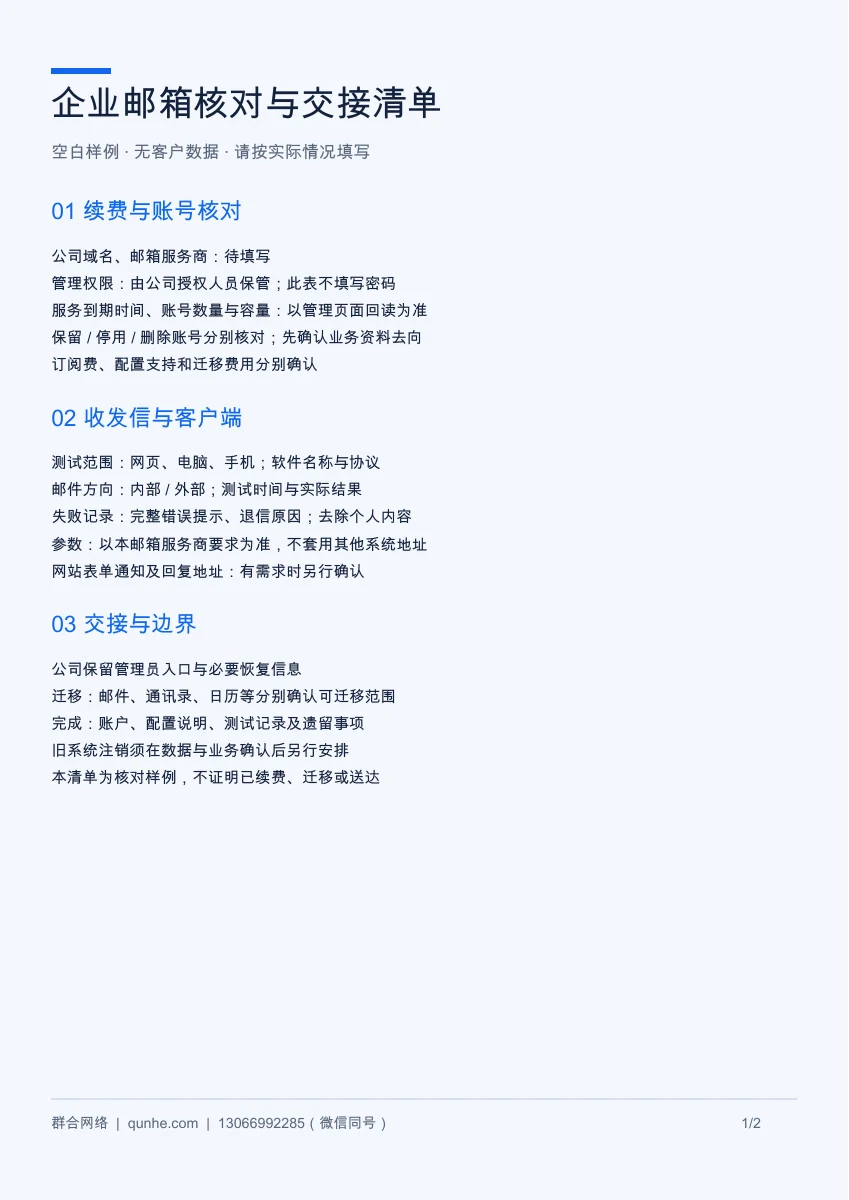
Before renewal, confirm the provider, number of accounts, expiry date and storage needs. For a migration, review access, existing mail, DNS and the cutover plan before testing and proceeding.
Migration feasibility, transferable data and downtime depend on the original system and access. Account setup, renewal, migration and third-party subscriptions are scoped and priced separately.
Tell us what you need; Qunhe handles the agreed work.
- Describe your situationTell us your email provider, devices and symptoms. Do not enter passwords in a public form.
- Confirm the scopeWe review the system and access, then confirm accounts, fees and any help needed from you.
- Carry out and hand overWe configure, troubleshoot or arrange renewal as agreed, and record the checks and instructions.
Subscription renewal, client setup, migration and actual send-and-receive tests are recorded separately.
Connect your website inquiries and business email
Your website form receives inquiries; email is where you receive and reply. When both services are included, we check the notification settings and delivery path together.
Understanding Website Maintenance · Read the form email troubleshooting guide · Explore business and international websites
Frequently Asked Questions
Already have business email? Can Qunhe help with configuration only?
We first check the provider, available access and symptoms, then confirm what support is possible.
Is renewal the same as buying a new mailbox?
Renewal continues the existing service; a purchase or migration may change the provider or accounts. Confirm the current setup first to avoid duplication or interruption.
Can you guarantee that every message reaches the recipient’s inbox?
Delivery depends on both mail systems, domain reputation and message content. We investigate specific bounces or delivery records; no one can guarantee that every message avoids filtering.
Does website maintenance always include email fees?
Not by default. Maintenance work, email subscriptions, configuration and migration are listed separately in the agreed scope.
Choose support for your specific needs
Business email setup and renewal
From domain and account details to renewal records, we help you organize your business email.
View service details →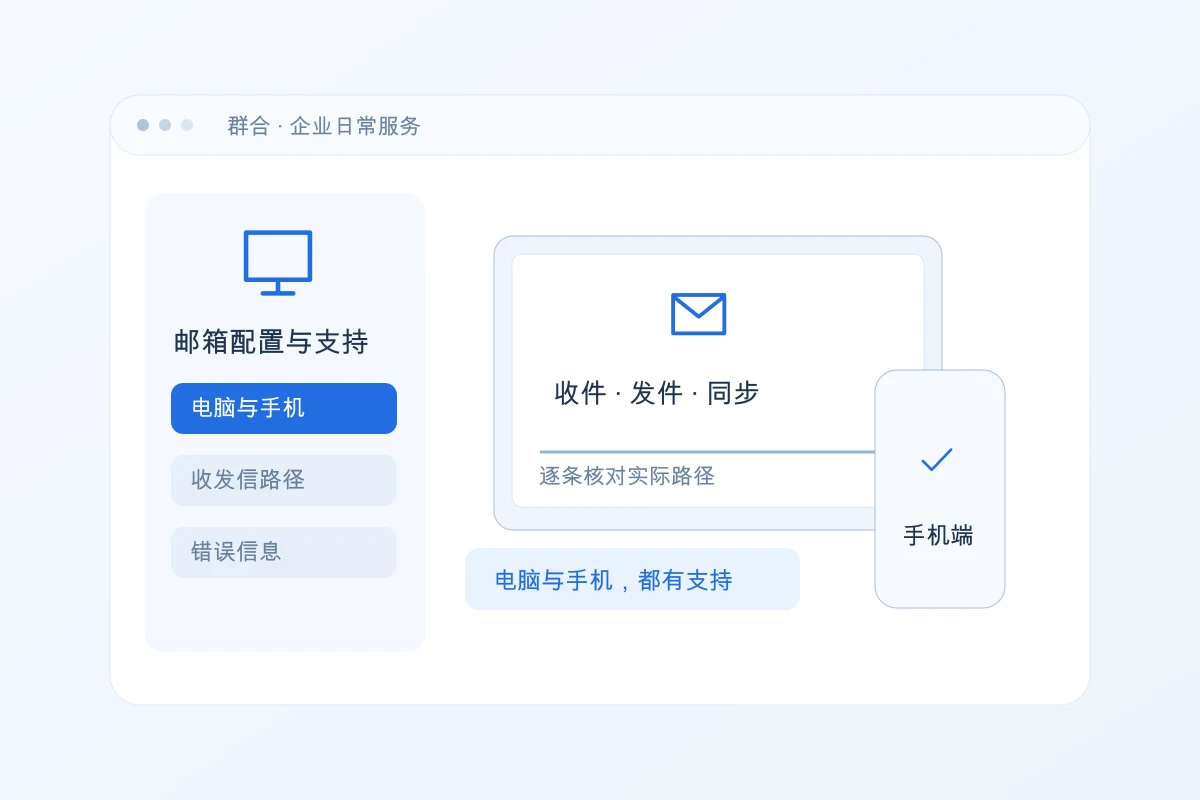
Business email setup and delivery support
We check webmail, computers and phones together, then troubleshoot the specific error.
View service details →