https://www.qunhe.com/en/knowledge/
Qunhe Network · Corporate Technology and Design Services
Call us130 6699 2285Same WeChat ID

Home / Website Knowledge

Practical Guide · Ongoing Support

Guides

How to Find a Solution Based on a Specific Problem: First, review the applicable conditions and troubleshooting steps, then decide whether you need assistance.

An illustration of website maintenance, corporate email, and rapid design services, featuring a monitor, a blue glass envelope, and design drafts

First, choose a topic, then identify a specific question.

Website Errors, Backup and Recovery, and Daily Handoffs

Expand 2 more topics

Email

23 Guides

Activate Renewal, Email Sending and Receiving, and Device Configuration

From PowerPoint Layout to Posters, Large-Format Printing, and Prepress

Themes, Editors, Plugins, and Business Features

Expand 4 more topics

Caching, Loading Speed, Images, and Fonts

Expand 2 more topics

Account Permissions, Risk Assessment, and HTTPS

PHP, Databases, and Web Servers

SEO, AI Search, Traffic Analysis, and Global Expansion

Expand another topic

The website, email, and design are being handled by someone on an ongoing basis.

Design and Output

23 articles · Page 1 of 2

清除筛选,查看全部指南

When designing display panels that are clear up close but appear as a wall of text from a distance, here are the key points to consider for reformatting: ensure the theme is recognizable from a distance, highlight key points up close, provide details for reference as needed, and verify the on-site proportions.
Printing and Digital Printing

The display panels are clear up close but look like a wall of text from a distance. How should we reformat them?

When designing display panels, the hierarchy of information should first be determined based on the viewing distance and the amount of time visitors spend at the site. The theme should be visible from a distance; as visitors approach, they should grasp the key points; and finally, they should be able to review the details. Do not simply enlarge corporate profile documents as-is, nor should you merely add background images to make the page look…

Read the solution →
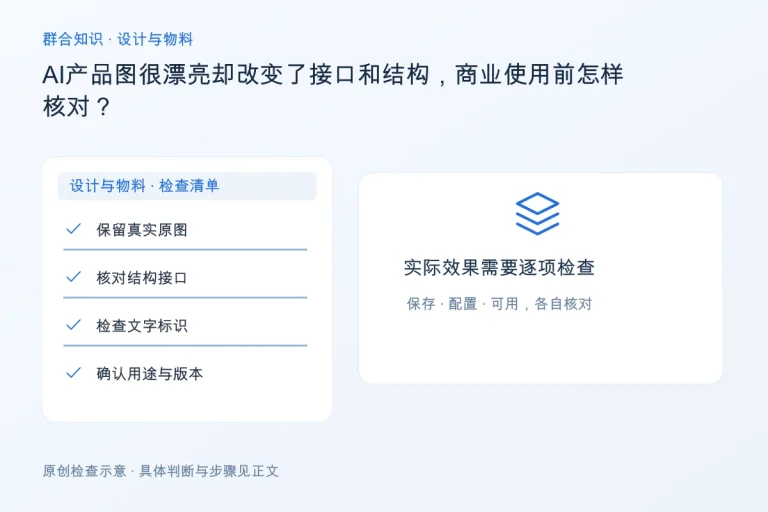
When working with AI-generated product images that look great but have altered the interface and structure, here are the key points to check before commercial use: Keep the original image, verify the structure and interface, check text labels, and confirm the intended use and version.
Posters and Visuals

AI-generated product images look great, but they’ve changed the interface and structure. How should we verify them before using them for commercial purposes?

Product images must accurately reflect the actual product. AI-generated or retouched images may alter the interface, proportions, quantity, logos, and material details; before using them for quotes, on the official website, or in print, verify each item against the original image or sample. Do not use images that cannot be verified…

Read the solution →
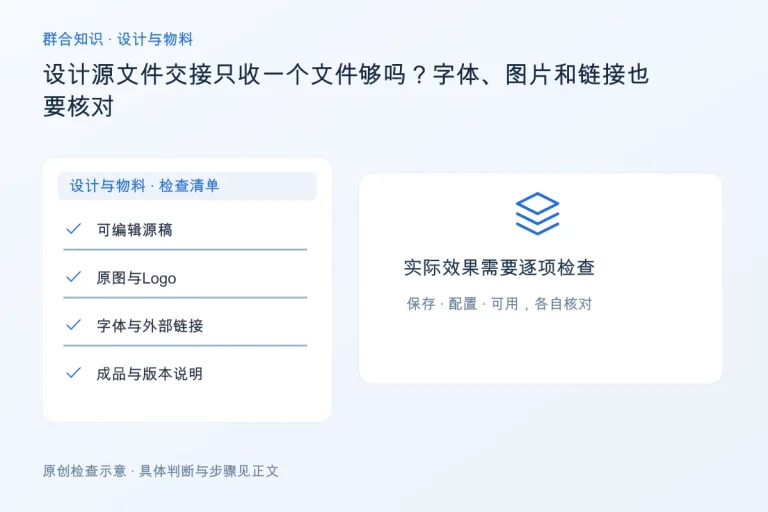
Dealing with a product PowerPoint slide crammed with specifications: Key points to help clients quickly understand the content: identifying client needs, a one-sentence summary, essential product evidence, and a link to additional materials.
PPT and Presentations

A single page of a product PowerPoint presentation is crammed with specifications—how can you help clients understand it quickly?

First, determine what this page is intended to help customers decide, then include the product name, applicable scenarios, key differentiators, and essential specifications. Detailed specifications should be placed on subsequent pages or linked to in additional materials. A single page is not a repository of information; no matter how small the text is…

Read the solution →
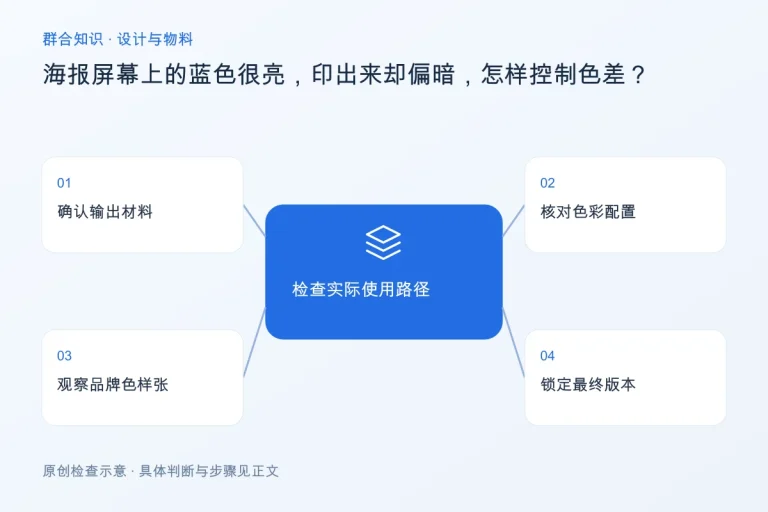
The blue on the poster screen appears very bright, but it comes out darker when printed. Key points for checking and controlling color discrepancies: Verify the output materials, review the color settings, examine samples of the brand’s colors, and finalize the version.
Printing and Digital Printing

The blue looks very bright on the poster screen, but it appears darker when printed. How can I control this color difference?

Since the conditions for screen display differ from those for printed ink, some bright colors cannot be reproduced with the same visual appearance. First, verify the materials, printing equipment, and color settings, then create proofs of key brand colors for confirmation; do not rely on a single uncalibrated cell phone to guarantee…

Read the solution →
Shopping Cart
Scroll to Top
Scan the QR code to make a reservation

1981 Steakhouse (Hisense Branch)

Store Introduction

Introduction to 1981 Steakhouse (Hisense Branch)

Scan the QR code to make a reservation

1981 STEAK HOUSE (Zhihui Mountain Branch)

Store Introduction

1981 STEAK HOUSE (Zhihui Mountain Branch) Introduction

Scan the QR code to make a reservation

1981 American-Style Barbecue Factory Outlet

Store Introduction

Introduction to the 1981 American-Style Barbecue Factory Store

Scan the QR code to make a reservation

1981 STEAK HOUSE (Minyuan Branch)

Store Introduction

1981 STEAK HOUSE (Minyuan Branch) Introduction

Contact Qunhe · Zheng Borui (Brian)

Contact via WeChat

Scan the QR code on your computer; on your phone, you can long-press to save the QR code,
Or copy the WeChat ID to add me as a friend.

Brian Zheng Borui's Authentic WeChat Contact QR Code

130 6699 2285 Same WeChat ID

You can also contact us via WhatsApp →